How the Cereal Revenue Split Works
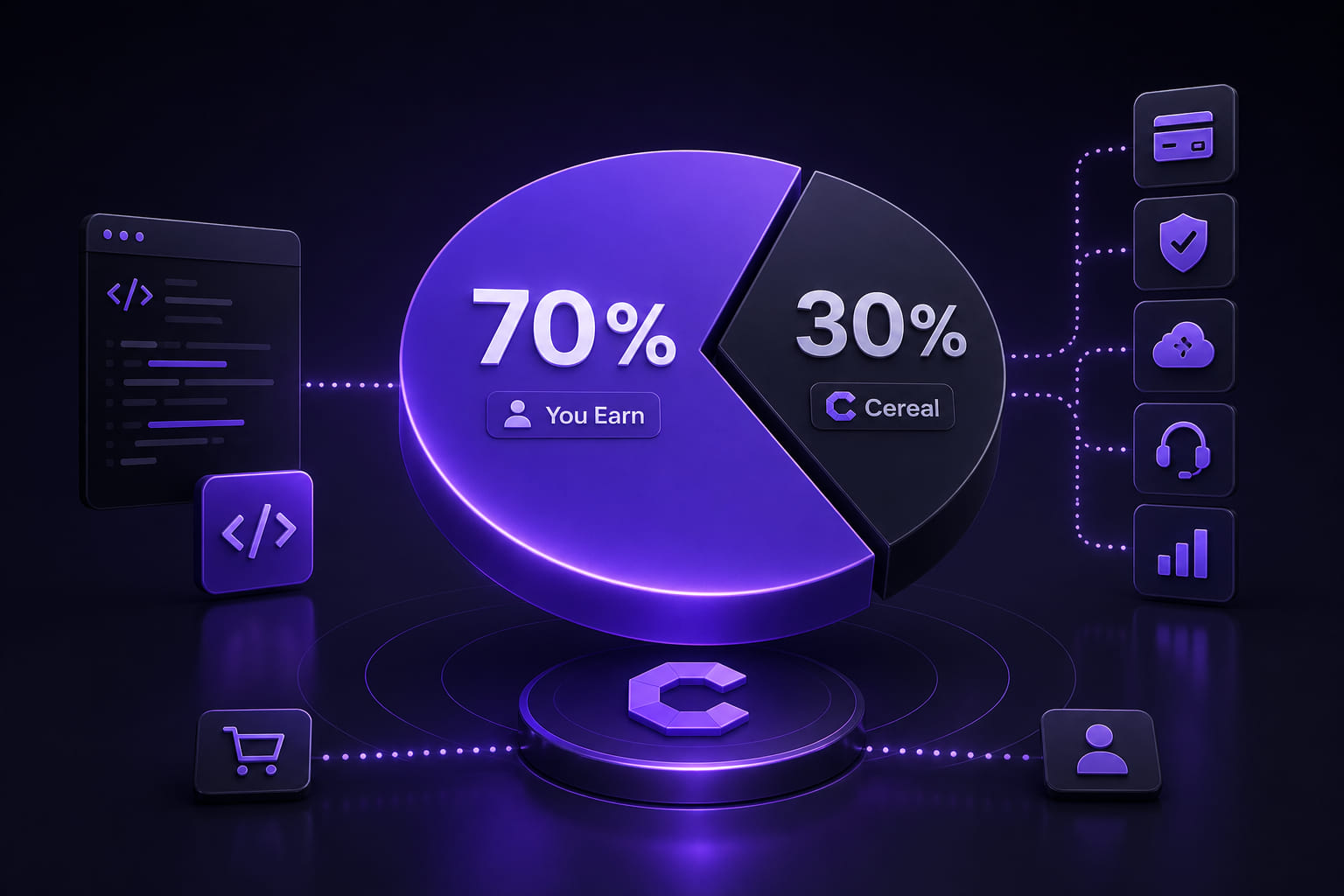
TL;DR: Cereal takes 30%, you keep 70% — no listing fees, no monthly costs, no charge to publish. Set your own price (min €1.00), get paid monthly via Stripe. That’s the whole deal.
If you’re building scripts for the Cereal marketplace, you should know exactly how the money works. No vague percentages, no hidden fees — here’s the full picture. Scripts are distributed through the Cereal desktop app, which is free to download for macOS, Windows, and Linux.
The Split
Cereal takes 30% of every transaction. You keep 70%.
That’s it. No monthly fees, no listing costs, no charge to publish. You only pay when you earn.
What the 30% Covers
Running a marketplace isn’t free. The platform cut covers:
- Payment processing — Stripe fees, currency conversion, chargebacks
- Licensing infrastructure — key generation, trial management, subscription handling
- Distribution — hosting, CDN, delivery to every Cereal client
- Security — code signing, obfuscation, the verification layer that keeps the marketplace trusted
- Support tooling — the developer portal, analytics, and the APIs your scripts depend on
You don’t maintain any of this. You write the script, set a price, and ship it. Everything else is handled.
How Pricing Works
You set your own price. Cereal supports:
- Subscriptions — monthly or annual recurring billing
- Free trials — you define the trial length, Cereal handles the cutoff
- Promo codes — issue discounts for launches, communities, or individual users
Minimum price is €1.00. There’s no maximum.
Payouts
Earnings are paid out monthly. You need a connected Stripe account — setup takes about five minutes from the developer portal.
Payouts include all completed transactions from the previous calendar month, minus the platform fee. Pending disputes and refunds are held until resolved.
Refunds
Users can request a refund within 48 hours of purchase if they haven’t activated the license. After activation, refunds are at your discretion — you handle them directly through the developer portal.
Getting Started
If you haven’t published a script yet, the developer portal has everything you need: SDK documentation, submission guidelines, and pricing setup.
The marketplace is open. Build something useful, set a fair price, and earn from it.